 Skip to content
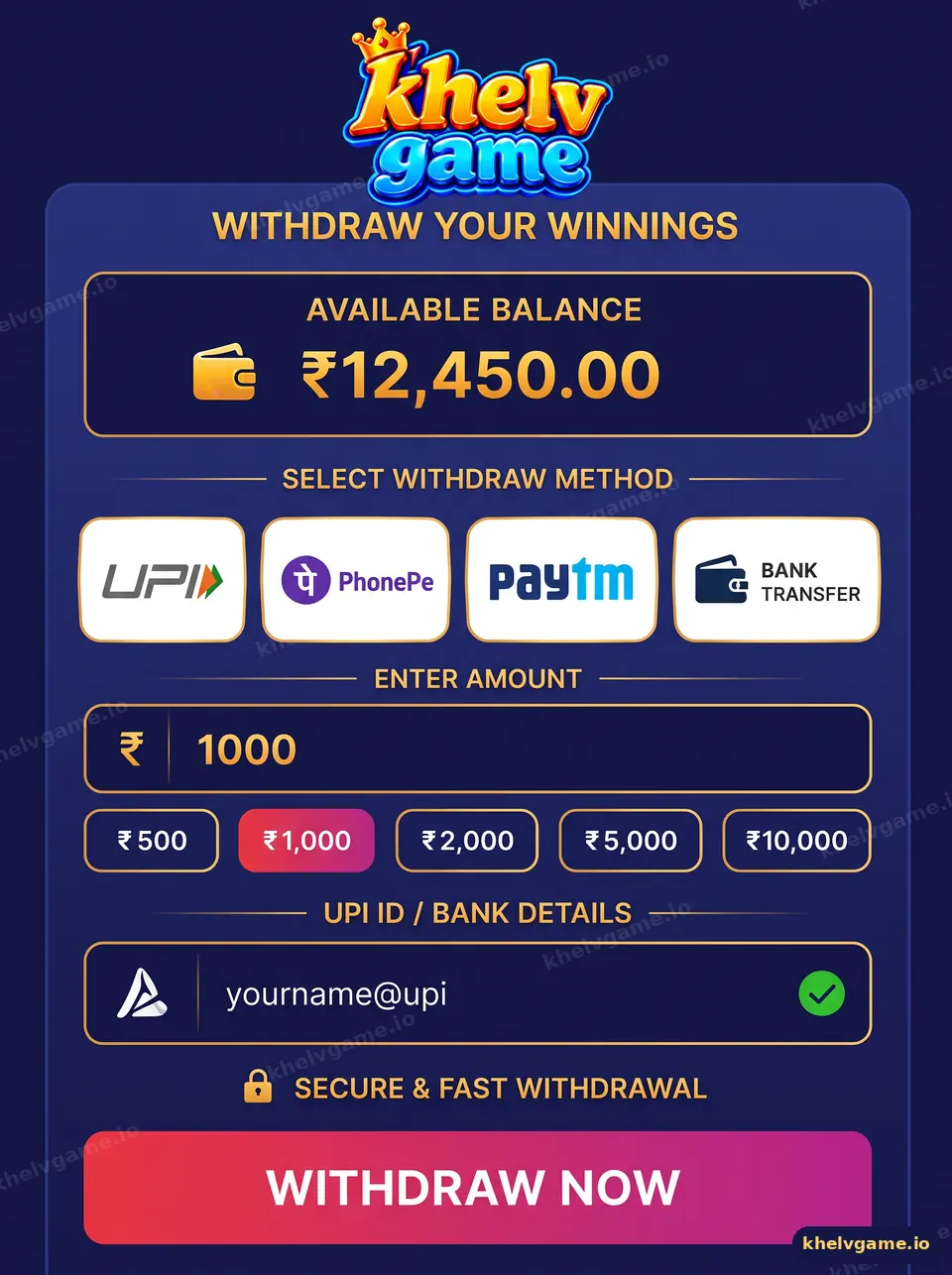
To make a Khelv game withdrawal, add a bank account or UPI ID in Wallet, make sure any wagering requirement is complete, tap Withdraw, enter an amount within the limits and confirm with your password. The request moves from Pending to Success once reviewed and paid, and the money arrives in the account you saved.
What do I need before my first Khelv withdrawal?
- A bank account or UPI ID in your own name, saved in Wallet — see add a bank account on Khelv.
- A withdrawable balance (the screen separates it from locked bonus amounts).
- Completed betting/wagering turnover where the wallet shows one is required.
- Your login password or a separate withdrawal password if you set one.
How do I withdraw money from Khelv?
- Log in and open Wallet → Withdraw.
- Choose your saved bank account or UPI method.
- Enter an amount between the minimum and maximum shown, or tap a quick chip.
- Check the “needed to bet” line — it must read zero before the request can go through.
- Confirm with your password and tap Withdraw Now.
- Track the request under Withdrawal history until it shows Success.
What do withdrawal statuses mean on Khelv?
| Status | Meaning | Your next step |
|---|---|---|
| Pending / Under review | Request received and being checked | Wait; do not submit again |
| Processing | Approved and sent to the payout channel | Watch your bank SMS |
| Success | Paid to your account | Check your bank statement |
| Rejected / Returned | Failed checks or bank details problem | Read the reason, fix details, request again |
How long does a Khelv withdrawal take?
Many UPI payouts complete the same day, but review times vary with volume, bank hours and account checks. A first withdrawal, a large amount or recently changed bank details may take longer. If a request stays pending far beyond the time shown, use the steps on Khelv withdrawal problem.
Why might a withdrawal be rejected?
- Name on the bank account does not match the Khelv profile.
- IFSC code or UPI ID typed incorrectly.
- Turnover requirement not yet complete.
- Several accounts linked to one person or device.
Nobody can “unlock” a withdrawal for a fee. Anyone asking you to pay tax, a release charge or a verification fee by personal UPI is running a scam.
Who is this guide for?
Players with a positive Khelv balance who want to cash out cleanly. New players should start from Khelv basics and the deposit guide first.
Key takeaways
- Save a bank/UPI account in your own name first.
- Turnover must read zero before you can withdraw.
- Submit once and track the status.
- Never pay a fee to release a withdrawal.
Frequently asked questions
What is the minimum withdrawal on Khelv?
The minimum and maximum are printed on the withdraw screen and can vary by method.
Why does Khelv say I need to bet more?
Some deposits and rewards carry a turnover requirement. The wallet shows how much play is left before withdrawal.
Can I withdraw to someone else’s account?
No. Payouts should go to a bank account or UPI ID in the account holder’s own name.
Can I cancel a withdrawal request?
Only while it is still pending, if the screen offers a cancel option. Otherwise wait for the result.
Is there a withdrawal fee?
Any fee is shown on the withdraw screen before you confirm. Read it every time.
How many withdrawals can I make per day?
The daily count limit is listed in the withdraw rules inside the wallet.
