 Skip to content
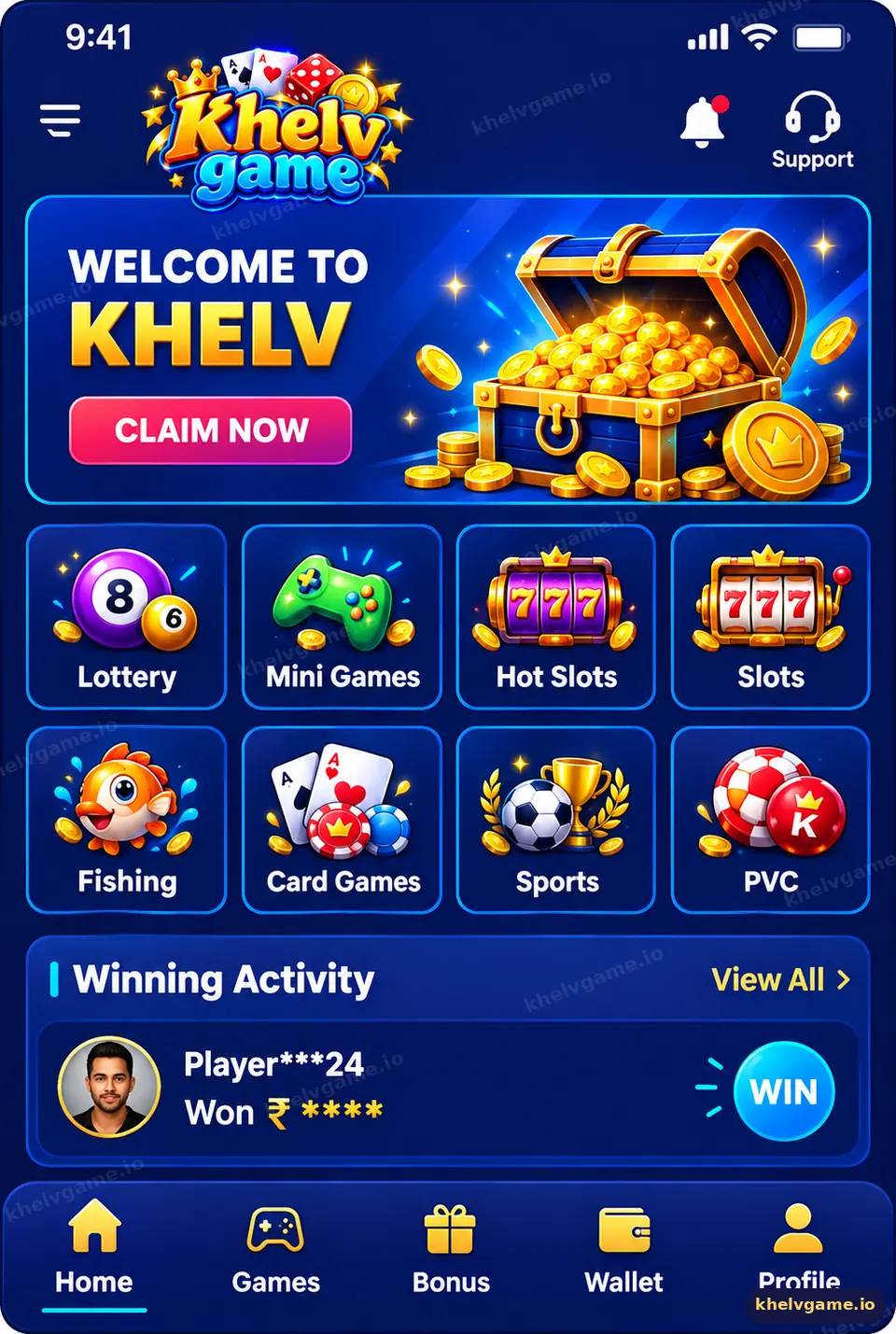
The Khelv game app is the mobile version of Khelv that puts lottery rounds (Wingo, K3, 5D, TRX Wingo), slots, casino and mini games, the wallet and your account into one bottom-navigation layout. It uses the same login and balance as the Khelv website.
What does the Khelv app home screen show?
The home lobby opens with a promotion banner, a notice bar and category tiles for Lottery, Slots, Casino, Mini Games and other sections. Below them you will usually see popular games and a live winners feed. Tap any tile to open that category without leaving the app.
Which tabs are in the bottom navigation?
| Tab | What you do there |
|---|---|
| Home | Browse categories, banners and announcements |
| Activity | See current events, tasks and gift-code news |
| Promotion | Copy your invitation code and track your referrals |
| Wallet | Deposit, withdraw and view transaction history |
| Account | Profile, security, bet history, VIP level and settings |
Which settings should I change first?
- Account → Security: change the default password if you used a simple one.
- Account → Bank / UPI: add a withdrawal method in your own name (guide).
- Language: choose English or Hindi if the option is available.
- Notifications: allow them only if you want event and result alerts.
App vs browser: which is better?
| Khelv app | Mobile browser | |
|---|---|---|
| Speed | Opens directly into the lobby | Loads like a normal site |
| Fake-site risk | Low — no link typing | Higher if you click unknown links |
| Storage | Uses phone storage | Almost none |
| Updates | Prompted in app | Always current |
Most regular players use the app; occasional players are fine in the browser. Install steps are on the Khelv game download page.
How do I make the Khelv app run smoothly?
- Keep the app updated when prompted.
- Close heavy background apps before joining a 30-second Wingo room.
- Clear the app cache from Android settings if screens stop loading.
- Use a stable connection — a dropped signal can miss the betting window.
Remember that Khelv game app rounds are chance-based: a faster phone helps you place a bet in time but never changes the result.
Key takeaways
- The app combines lottery, slots, casino, mini games and wallet in one layout.
- Bottom tabs: Home, Activity, Promotion, Wallet, Account.
- Secure your password and add a withdrawal method first.
- Same account and balance as the website.
Frequently asked questions
Is the Khelv app safe?
Install it only from a verified Khelv domain, keep your password private and never share OTPs.
Does the app use a lot of data?
Lottery rooms are light; live casino tables and slots use more data.
Can I change the app language?
Where the language option is shown, open Account settings to switch.
Why is the app showing a blank screen?
Clear the cache, check the connection and update to the latest version.
Can I use the app on a tablet?
Yes, Android tablets can install the APK, and iPads can add the web app.
Is the app different from the website?
The games and wallet are the same; only the layout is optimised for phones.
