 Skip to content
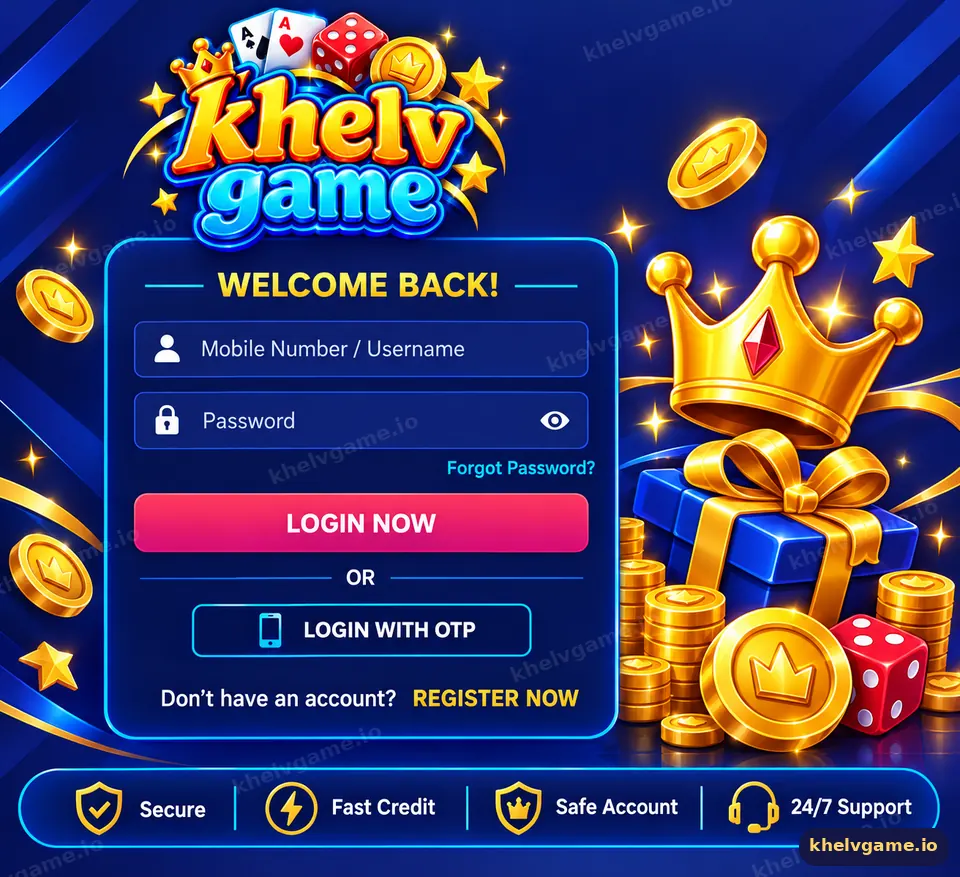
For Khelv game login, open Khelv from a verified domain or the installed app, tap Log in, enter your registered mobile number and password, and tap Log in again. If you have forgotten the password, use “Forgot password” to reset it with an SMS OTP sent to the same number.
How do I log in to Khelv Game?
- Open the Khelv app, or type a verified Khelv address into your browser — never a link from an unknown message.
- Tap Log in on the welcome screen or at the top of the lobby.
- Select phone login and enter your 10-digit mobile number.
- Type your password and tap Log in.
- Optionally tick “Remember password” on your personal phone only.
- Check the balance and username in the top bar to confirm it is your account.
If you are new, you will need to create a Khelv account first. It takes about two minutes.
Which details do I use to sign in?
Your login ID is the mobile number you registered with, and your password is the one you created on the sign-up form. Khelv does not issue separate usernames for login, so typing a nickname or an email will not work.
| Sign-in method | What you need | Suits |
|---|---|---|
| Phone + password | Registered number and password | Everyday login on your own phone |
| Forgot password (OTP) | Access to the same SIM | When you cannot remember the password |
| Installed app | App opened from home screen | Faster access and fewer fake-site risks |
How do I keep my Khelv login secure?
Your login protects real money, so treat it like a banking app.
- Bookmark the domain you trust and open Khelv only from that bookmark or the app — check our Khelv verified domains guide.
- Never share an OTP. Khelv customer care will not ask for it.
- Do not save the password on shared or office devices.
- Change the password immediately if you logged in on someone else’s phone.
- Log out from Account → Settings when you are finished on a borrowed device.
Why can’t I log in to Khelv?
The usual causes are a wrong password, a typo in the number, a cached old domain or a temporary network problem. Try these in order:
- Re-type the number without the +91 or a leading zero.
- Turn off auto-fill and enter the password manually — capital letters count.
- Clear the browser cache or update the app to the latest version.
- Switch between mobile data and Wi-Fi.
- Reset the password with an OTP.
Still stuck? Our detailed Khelv login problem guide covers account locks, “user does not exist” messages and blank screens.
Is Khelv login the same on app and website?
Yes. One account works everywhere: the Android app, the home-screen web app and a desktop browser all accept the same mobile number and password, and they all show the same wallet balance. Download steps are on the Khelv app download page.
What can I do after logging in?
Once signed in you can add funds, join a Wingo, K3, 5D or TRX Wingo room, open slots and casino tables, claim gift codes and check your bet history. Returning players who want a refresher on the lobby can start from the Khelv game homepage guide sections.
Key takeaways
- Log in with your registered mobile number and password.
- Open Khelv only from a bookmark of a verified domain or the installed app.
- Reset a forgotten password with an SMS OTP — never ask strangers for help.
- One account works on the app, home-screen web app and desktop.
Frequently asked questions
Can I log in to Khelv with OTP only?
Khelv sign-in uses your mobile number and password. The OTP is used to reset the password if you forget it.
Why does Khelv say my password is wrong?
Check capital letters, switch off auto-fill and try once more. After that, reset the password with an OTP instead of guessing.
Can I stay logged in on my phone?
Yes, on your own phone you can keep the session or tick remember password. Avoid it on shared devices.
Can I log in on two devices?
You can sign in on another device, but for security keep active sessions to devices you own.
What if my number changed?
Contact Khelv customer care from inside the app with your account details. Never post your number or ID publicly.
Is the Khelv login page secure?
Use only verified Khelv domains with a padlock in the address bar and never enter details on a page reached from an unknown message.
